Why I Switched from Kindle to Boox: The E-Reader Amazon Won't Build
Introduction: The Shift to Digital Reading
For many book lovers, the transition from paper to digital was a practical necessity. With limited shelf space, a growing reading list, and family members tired of seeing books everywhere, devices like the Kindle became the go-to solution. But after years in Amazon's ecosystem, I discovered a compelling alternative: the Boox e-reader. This article explores why I made the switch and what Amazon refuses to offer.
The Limitations of Amazon's Ecosystem
Amazon's Kindle is a fantastic device for reading Amazon-purchased books, but it locks users into a closed ecosystem. You cannot install apps from other stores, customize the interface, or easily read non-Amazon formats like EPUB (without conversion). The lack of flexibility frustrated me, especially as my reading habits diversified.
Limited Format Support
Kindle supports only Amazon's proprietary formats, MOBI, and PDF. While you can convert EPUBs via email or software, it's a cumbersome process. Boox, on the other hand, runs on Android, so it supports EPUB, PDF, MOBI, CBR, CBZ, DOCX, TXT, and many more natively.
No Customization or Multitasking
Kindle's interface is simple but rigid. You cannot change launchers, add widgets, or run multiple apps. Boox allows full Android customization, including installing reading apps like Google Play Books, Libby, or Moon+ Reader.
Enter Boox: The Open E-Reader Alternative
When I replaced my Kindle with a Boox (specifically the Boox Nova Air C), I gained everything Amazon refuses to offer: an open Android operating system, a built-in app store, and the ability to read from any source.
Versatile Reading Apps
With the Google Play Store fully accessible, I installed Kindle itself (yes, you can read Amazon books on Boox), plus Kobo, Scribd, and Pocket. This single device consolidated my entire digital library, eliminating the need for multiple e-readers.
Note-Taking and Productivity
Boox devices come with a stylus and robust note-taking features. You can annotate PDFs, take handwritten notes, and even use split-screen for reading and writing simultaneously. The Kindle Oasis, by contrast, offers only basic highlighting.
Better File Management
Boox's file manager lets you organize books into folders, sync with cloud services like Dropbox and OneDrive, and transfer files via USB or Wi-Fi. Kindle relies on Amazon's cloud and email-to-Kindle service, which is slower and less flexible.
Comparing the Experience
Both devices use E Ink technology for a paper-like reading experience, but there are key differences in display, battery, and performance.
Display and Reading Comfort
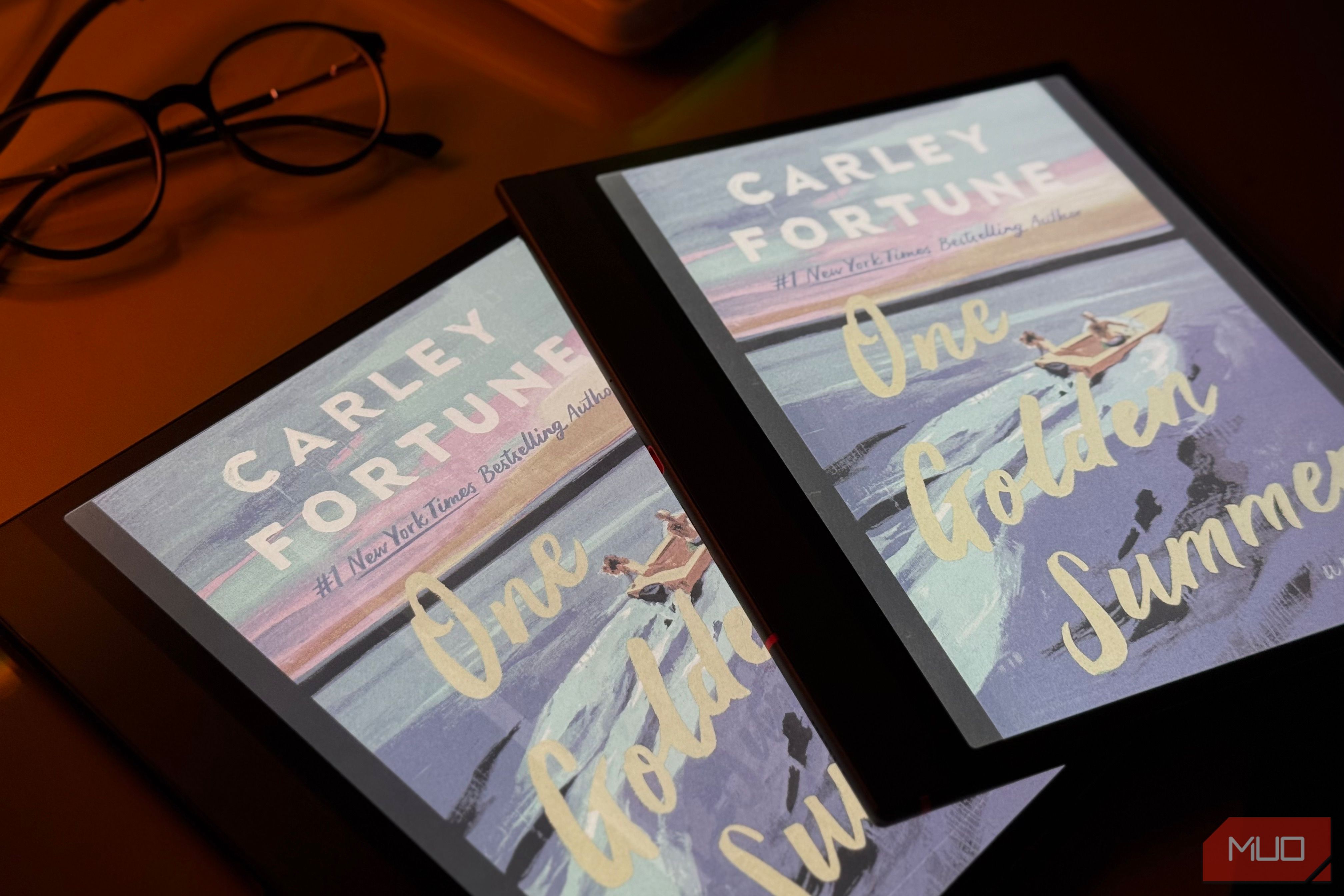
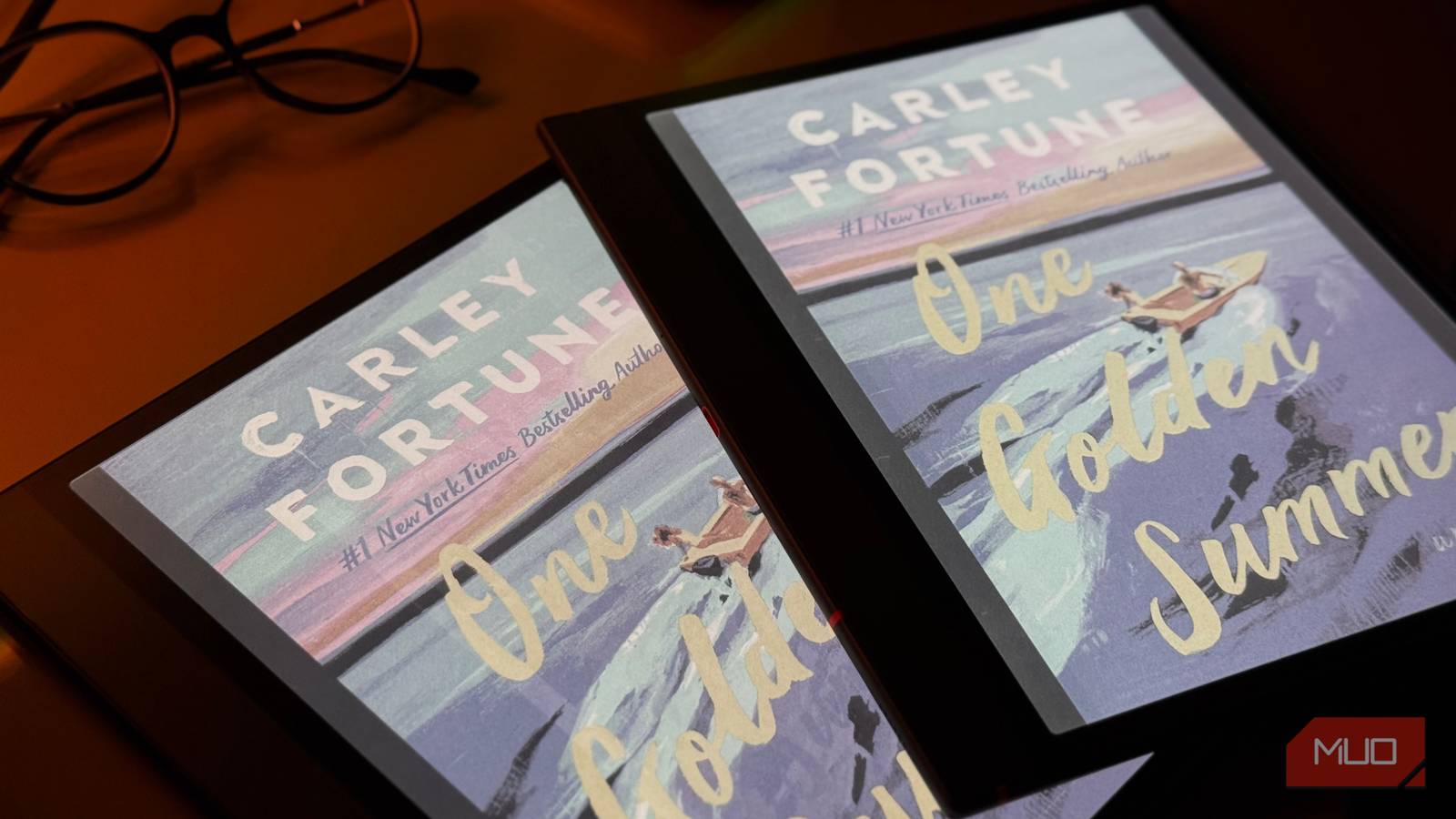
Boox offers adjustable color temperature and a front light with more granular control. The Nova Air C has a color E Ink screen (for comics and covers), while the Kindle only has grayscale. However, the color screen reduces contrast slightly—something to consider if you read only text.
Battery Life Considerations
Kindle's battery lasts weeks thanks to a stripped-down operating system. Boox, running full Android, drains faster—typically 5-7 days with moderate use. But you can extend it by disabling Wi-Fi and syncing manually.
Is Boox the Right Choice for You?
Boox is not for everyone. If you exclusively buy from Amazon and value simplicity and long battery life, stick with Kindle. But if you want openness, versatility, and productivity in an e-reader, Boox is a game-changer.
Who Should Upgrade?
- Multi-platform readers: You use services like Kindle, Kobo, Google Play, and library apps.
- Students or professionals: You need to annotate PDFs and take handwritten notes.
- Tech enthusiasts: You enjoy customizing Android interfaces.
In my experience, switching from Kindle to Boox was the right move. I now have a device that adapts to my reading habits—not the other way around. If you're ready for an e-reader that offers everything Amazon refuses to, give Boox a try.
Note: For more details on specific models, see our Boox overview or Kindle limitations section.